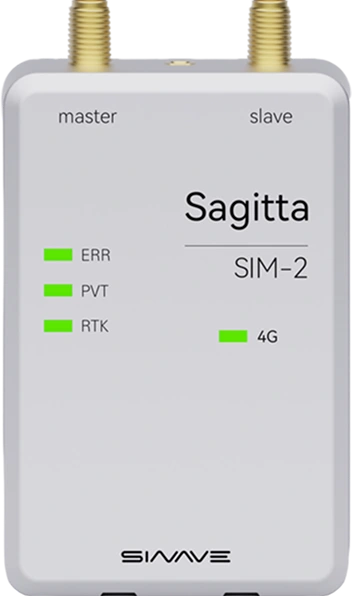
S-RTK GNSS Precision positioning and heading system

Centimeter-level accuracy. Reliable heading.

S-RTK GNSS Precision positioning and heading system
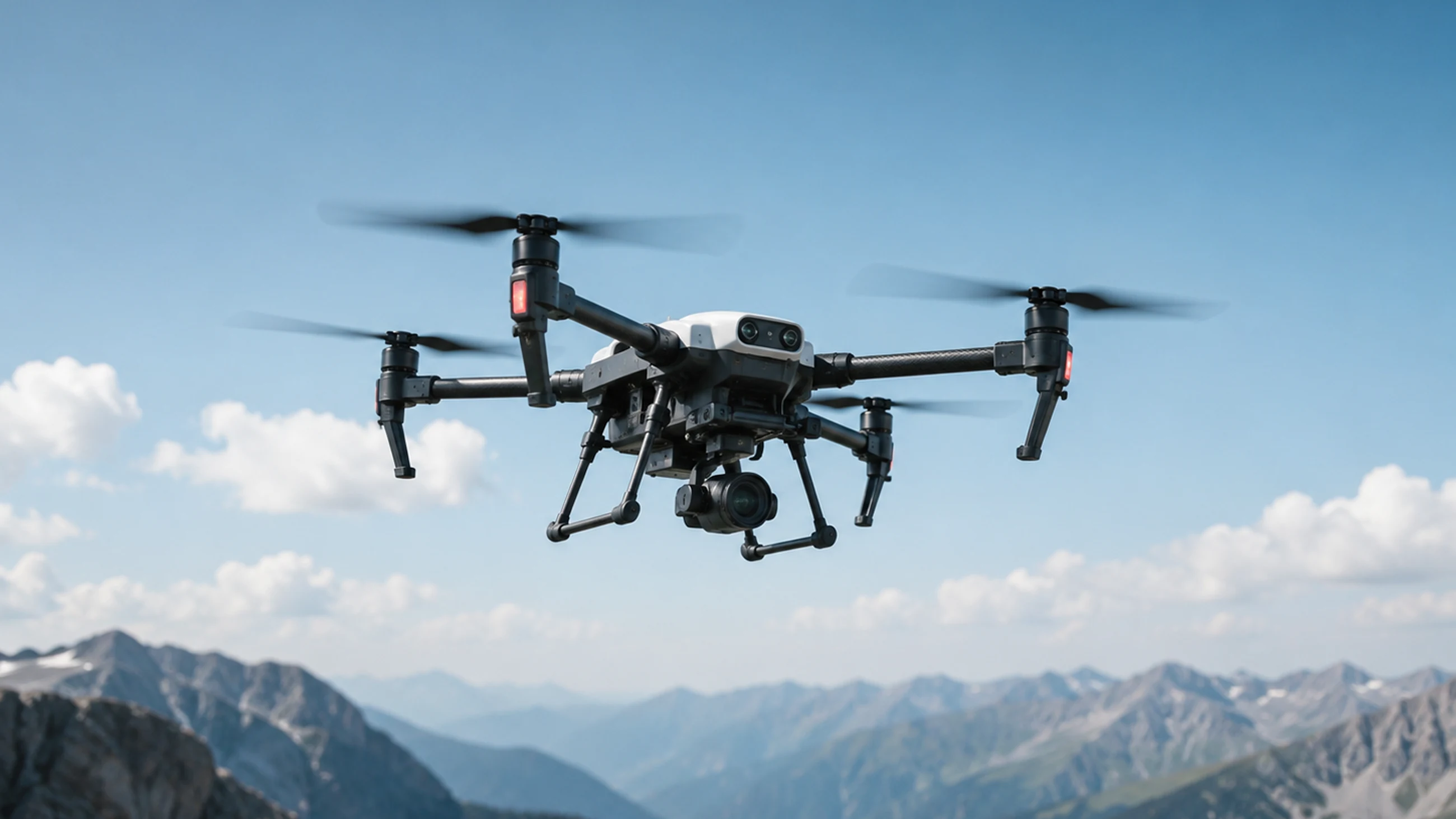
Centimeter-level positioning for drones

Centimeter-level positioning

Precision data output for demanding positioning applications

Horizontal accuracy0.8 cm + 1 ppmVertical accuracy1.5 cm + 1 ppmHeading accuracy0.1° with a 1 m antenna baseline (RMS)Velocity accuracy0.03 m/s

4G network RTK positioning

Access CORS services across China to reduce local base-station deployment and simplify field operations.

Conventional RTK

  • Requires a local base station, adding field equipment and maintenance costs.
  • Relies on a local communication link, with operating range limited by base-station coverage.
  • Demanding environments can disrupt the communication link and the delivery of correction data.
STATUS: LEGACY SYSTEM

4G RTK

SINAVE solution
  • Uses CORS network services to obtain corrections without deploying a local base station.
  • Mobile network coverage enables flexible long-range operation beyond a single base station's range.
  • Mobile networks carry correction data, improving link reliability and deployment flexibility.
NEXT-GEN ARCHITECTURE

Open ecosystem

Supports widely used open-source unmanned-system platforms, with standard nodes and parameter configuration for rapid integration.

PX4

Native support for the PX4 ecosystem

ArduPilot

Compatible with the ArduPilot ecosystem

DroneCAN

Supports the DroneCAN protocol

ROS

Ready for integration with ROS

S-RTK open ecosystem device

Connectivity options

Versatile physical interfaces and communication protocols meet integration requirements across industrial applications.

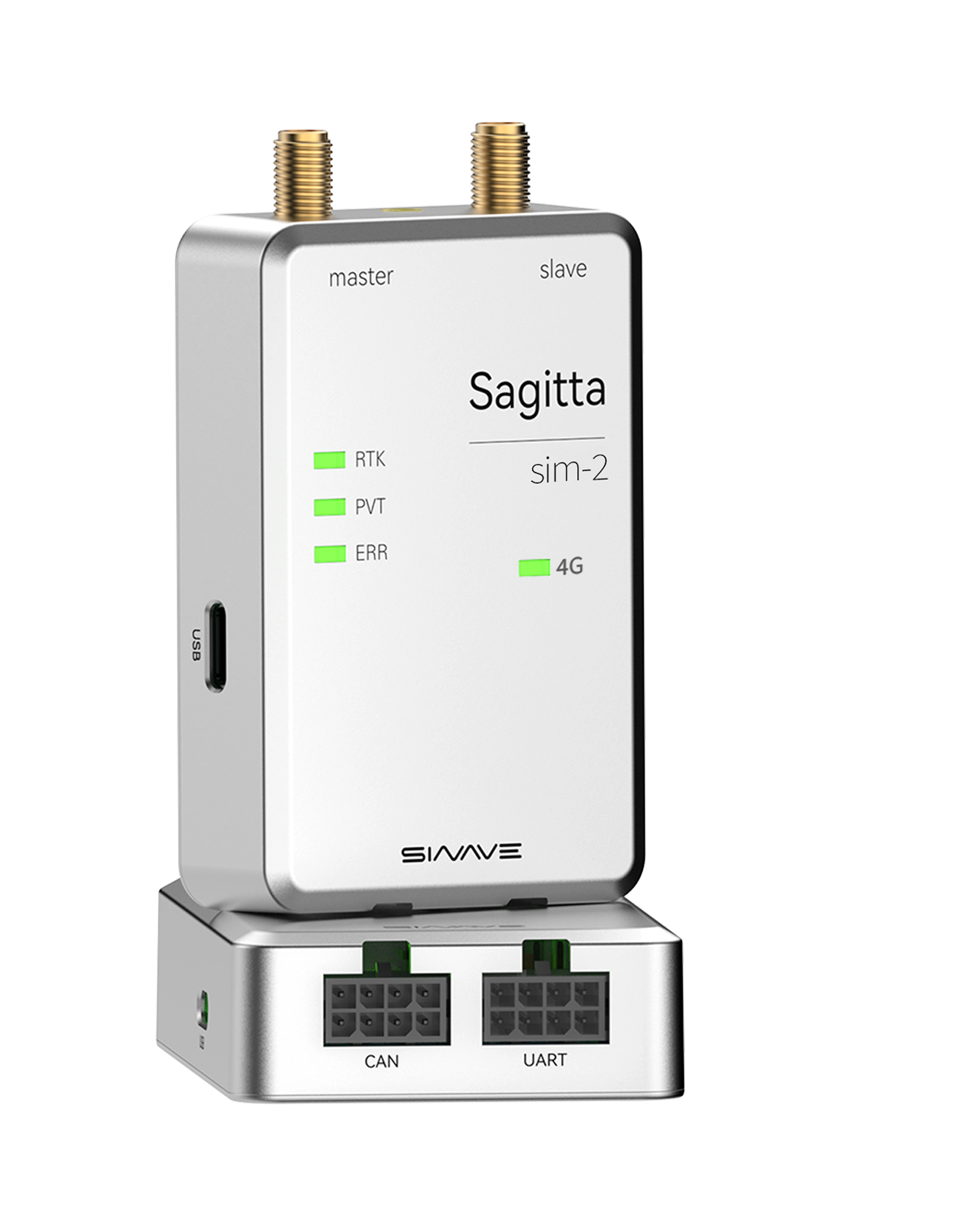
S-RTK connectivity options

CAN communication

Interference resistance and bus arbitration support direct connection to open-source flight controllers. Connect to Pixhawk via DroneCAN, with support for ArduPilot and PX4 firmware.

  • ArduPilot
  • PX4 family
CAN communication on a rescue robot
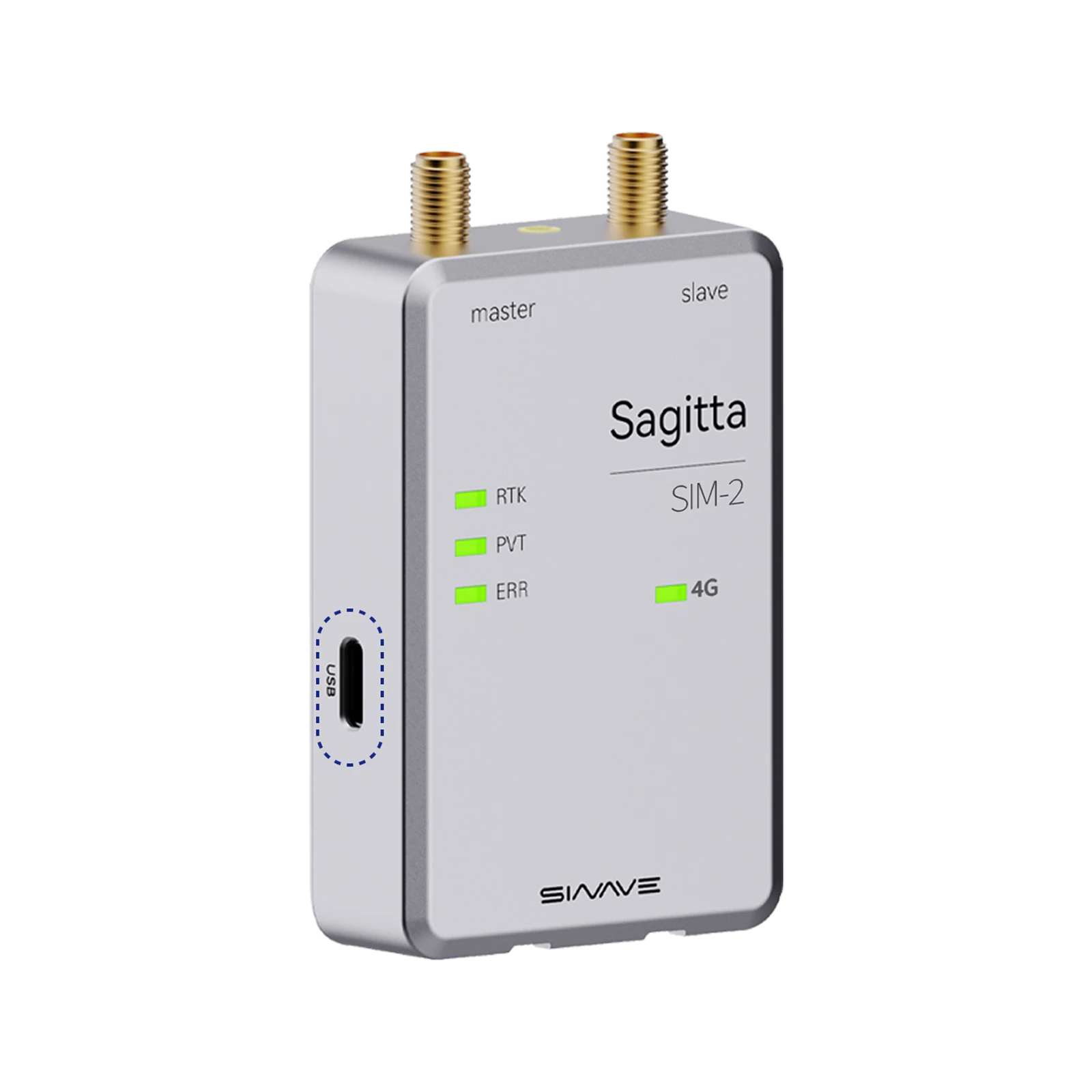
S-RTK USB-C interface

Quick USB-C configuration

Connect a data cable to configure the device and obtain an RTK fix.

Flexible UART communication

Standard UART interfaces, documented protocols and data formats support device connectivity and data exchange.

MQTT development support

Open data interfaces. Lower development costs.

  • Example code provided
  • Lower development costs
  • Support for rapid custom development

Connect 4 wiresto get started

import 'dart:typed_data';
import 'dart:convert';

/**
 * Binary MQTT message parser
 *
 * Parses binary MQTT messages in a specific format.
 */
class MqttBinaryParser {
  // Private constructor prevents instantiation.
  MqttBinaryParser._();

  /// Minimum size of the mqtt_info_t structure in bytes.
  static const int minStructSize = 44; // Minimum required structure size
  static const int fullStructSize = 64; // Full structure size

  /**
   * Parses binary data for the mqtt_info_t structure.
   *
   * @param data Binary data
   * @return A map of parsed data, or null if parsing fails
   */
  static Map<String, dynamic>? parseMqttInfo(Uint8List data) {
    try {
      // Check that the data contains at least the required fields.
      if (data.length < minStructSize) {
        print('MQTT binary parser: expected at least ${minStructSize} bytes; got ${data.length}');
        return null;
      }

      print('Binary MQTT parser: parsing ${data.length} bytes');

      // Create a ByteData view to read different data types.
      final byteData = ByteData.sublistView(data);

      int offset = 0;

      // Parse each field, assuming little-endian byte order.
      final result = <String, dynamic>{};

      // uint32_t devsn - serial number (converted to a hexadecimal string)
      final devsnValue = byteData.getUint32(offset, Endian.little);
      result['devsn'] = devsnValue.toRadixString(16).toUpperCase().padLeft(8, '0');
      offset += 4;

      // uint8_t rev - reserved
      result['rev'] = byteData.getUint8(offset);
      offset += 1;